
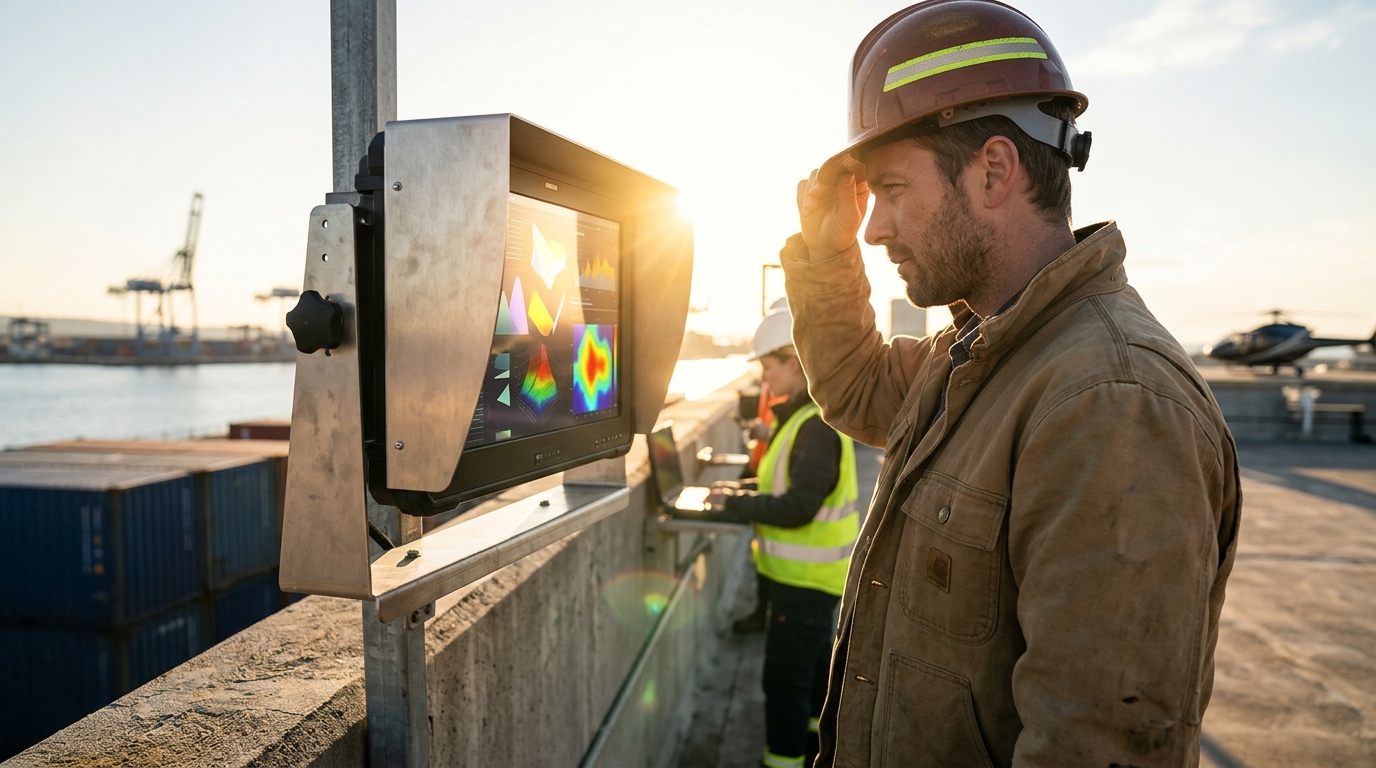
For direct sunlight, you need a display with a minimum brightness of 1,000 nits. For optimal readability in harsh outdoor conditions, 1,500 to 2,500 nits is the industry standard. This guide covers how to select the right brightness, verify manufacturer claims, and avoid common pitfalls when deploying industrial displays outdoors.
How to Choose the Right Nit Rating
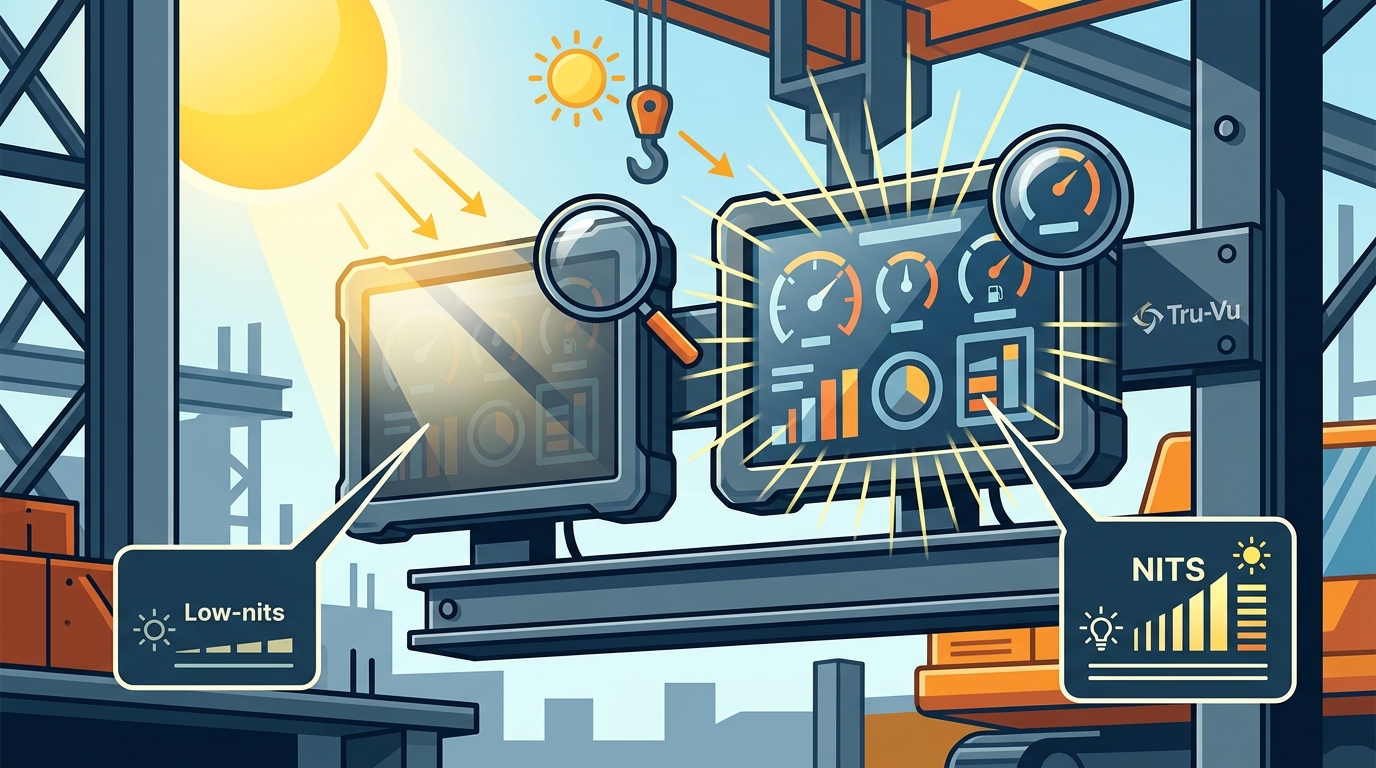
Choosing the correct brightness level requires understanding the difference between ambient light and direct solar radiation. A standard indoor monitor typically operates between 250 and 350 nits. This level is sufficient for office environments but fails completely in outdoor settings. Sunlight readable displays are engineered with high-brightness LED backlights to overcome the glare of the sun.
Brightness Tiers and Their Applications
Displays generally fall into three brightness categories. The first is standard brightness, ranging from 250 to 400 nits. These are suitable for indoor use only. The second tier is indirect sunlight readable, ranging from 800 to 1,200 nits. These work well in shaded outdoor areas or under canopies. The third tier is direct sunlight readable, ranging from 1,500 to 2,500 nits. These are required for unshaded outdoor installations.
The Role of Contrast Ratio
Brightness alone does not determine readability. Contrast ratio is the difference between the brightest white and the darkest black a display can produce. In direct sunlight, low contrast makes text and images wash out. Optical bonding is a process that eliminates the air gap between the LCD panel and the protective glass. This technique significantly improves contrast and reduces internal reflections, making the image sharper and easier to read in bright conditions.
Specific Questions to Ask Before Committing
Before purchasing an industrial display, you must ask specific technical questions to ensure the unit meets your environmental requirements. Vague answers from suppliers often lead to failed deployments. You need to verify the exact specifications of the backlight and the enclosure.
Essential Technical Questions
First, ask for the peak brightness in nits, not just the average. Peak brightness is the maximum output, while average brightness is what you see during normal operation. Second, ask about the operating temperature range. High-brightness displays generate more heat, which can affect performance in extreme climates. Third, ask about the ingress protection (IP) rating. A display that is bright but not waterproof will fail in rain or snow.
Warranty and Support Questions
Ask about the warranty period for the backlight. Backlights are the most common point of failure in high-brightness displays. A standard warranty might be one year, but industrial-grade displays often come with three to five years of coverage. Also, ask about the availability of spare parts. If a display fails in a remote location, you need to know how quickly you can get a replacement.
How to Verify Brightness Claims
Manufacturers often list brightness specifications that are difficult to verify without specialized equipment. However, there are ways to ensure that a display meets its claimed specifications. You should not rely solely on marketing materials. Independent verification is crucial for critical applications.
Requesting Test Reports
Ask the manufacturer for third-party test reports. These reports should include measurements of brightness, contrast ratio, and color accuracy. Look for reports from recognized testing laboratories. If the manufacturer cannot provide these reports, be cautious. A reputable supplier will have no problem sharing their test data.
On-Site Verification
For large deployments, consider requesting a sample unit for on-site testing. Install the sample in the actual location where the display will be used. Test it at different times of the day, including midday when the sun is at its peak. This practical test will reveal any issues that laboratory tests might miss.
The Selection and Deployment Process
Selecting and deploying a sunlight readable display is a multi-step process. It begins with site assessment and ends with long-term maintenance. Understanding this process helps you plan your project effectively.
Site Assessment
The first step is to assess the installation site. Measure the ambient light levels at different times of the day. Note the direction of the sun and any potential shading. This data will help you determine the required brightness level. For example, a display facing west will receive intense afternoon sun, requiring higher brightness than one facing north.
Installation and Configuration
Once the display is selected, the next step is installation. This includes mounting the display securely and connecting it to the power and data sources. High-brightness displays often require more power than standard monitors. Ensure that your power supply can handle the increased load. After installation, configure the display settings to optimize for outdoor viewing. This may involve adjusting the brightness, contrast, and color temperature.
Cost Drivers for High-Brightness Displays
High-brightness displays are more expensive than standard monitors due to their specialized components. Understanding the cost drivers helps you budget effectively. The price of a display is influenced by several factors, including brightness, size, and features.
Brightness and Size
Brightness is the primary cost driver. A 1,000-nit display is significantly more expensive than a 350-nit display of the same size. Larger displays also cost more, as they require more powerful backlights and larger panels. For example, a 55-inch 4K display with 2,500 nits of brightness will cost several times more than a 24-inch 1080p display with 350 nits.
Features and Customization
Additional features also increase the cost. Optical bonding, waterproof enclosures, and touch screens all add to the price. Customization, such as private labeling or custom enclosures, can also increase the cost. However, these features are often necessary for specific applications. For example, a display used in a marine environment must be waterproof and corrosion-resistant.
Common Mistakes and How to Avoid Them
Many display deployments fail due to common mistakes. Understanding these mistakes helps you avoid them. The most common error is underestimating the required brightness. Another common mistake is ignoring the environmental conditions.
Underestimating Brightness
Many buyers assume that a standard monitor will work outdoors. This is a costly mistake. A 350-nit display is invisible in direct sunlight. To avoid this, always specify the required brightness level based on the installation site. When in doubt, choose a higher brightness level. It is better to have too much brightness than too little.
Ignoring Environmental Conditions
Another common mistake is ignoring the environmental conditions. A display that is bright but not waterproof will fail in rain. A display that is not rated for extreme temperatures will fail in heat or cold. Always check the IP rating and operating temperature range before purchasing.
Sunlight Readable vs. Standard Displays
Understanding the differences between sunlight readable and standard displays helps you make an informed decision. The table below summarizes the key differences.
| Feature | Standard Display | Sunlight Readable Display |
|---|---|---|
| Brightness | 250-400 nits | 1,000-2,500 nits |
| Contrast Ratio | Standard | Enhanced (often optically bonded) |
| Enclosure | Standard plastic | Waterproof, ruggedized |
| Operating Temperature | 0°C to 40°C | -40°C to 60°C |
| Cost | Lower | Higher |
Standard displays are suitable for indoor use only. Sunlight readable displays are designed for outdoor use and can withstand harsh environmental conditions. The choice between the two depends on the application. If the display will be used indoors, a standard display is sufficient. If it will be used outdoors, a sunlight readable display is required.
Application-Specific Brightness Requirements
Different applications have different brightness requirements. Understanding these requirements helps you select the right display. The following sections outline the brightness needs for common applications.
Digital Signage
Digital signage displays are often installed outdoors. They require high brightness to be visible in direct sunlight. A minimum of 1,500 nits is recommended for unshaded locations. For shaded locations, 1,000 nits may be sufficient. These displays are often large, ranging from 43 inches to 85 inches.
Industrial Control Panels
Industrial control panels are often installed in factories or warehouses. They may be exposed to bright artificial lighting or natural light from windows. A brightness of 800 to 1,200 nits is usually sufficient. These displays are often smaller, ranging from 10 inches to 24 inches. They may also require touch screens for operator interaction.
Standards, Certifications, and Protections
Industrial displays must meet certain standards and certifications to ensure safety and performance. Understanding these standards helps you verify that a display is suitable for your application.
Ingress Protection (IP) Ratings
The IP rating indicates the level of protection against solids and liquids. For outdoor use, a minimum of IP65 is recommended. This rating indicates protection against dust and water jets. For marine or wash-down environments, IP67 or IP68 is required. These ratings indicate protection against immersion in water.
Electrical Safety Certifications
Displays must meet electrical safety standards to ensure they do not pose a fire or shock hazard. Common certifications include UL, CE, and FCC. These certifications indicate that the display has been tested and meets the required safety standards. Always verify that the display has the necessary certifications for your region.
Regional and Environmental Considerations
Local environmental conditions can affect display performance. Understanding these conditions helps you select the right display. The following sections outline the considerations for different regions.
Climate and Weather
The climate and weather in your region can affect display performance. In hot and humid climates, displays must be rated for high temperatures and humidity. In cold climates, displays must be rated for low temperatures. In coastal regions, displays must be resistant to salt air corrosion. Always check the operating temperature and humidity range before purchasing.
Regulatory Requirements
Regulatory requirements can also affect display selection. In some regions, displays must meet specific energy efficiency standards. In others, they must meet specific electromagnetic compatibility (EMC) standards. Always check the local regulations before purchasing.
Timing Your Display Deployment
Timing is crucial for display deployment. Deploying a display at the wrong time can lead to performance issues. The following sections outline the timing considerations.
Seasonal Considerations
Seasonal changes can affect display performance. In summer, the sun is at its peak, requiring higher brightness. In winter, the sun is lower, and the ambient light is lower. A display that works well in summer may not work well in winter, and vice versa. Always test the display in different seasons to ensure it performs well year-round.
Project Timeline
Consider the project timeline when selecting a display. High-brightness displays often have longer lead times than standard displays. If you have a tight deadline, order the display early. Also, consider the installation time. Installing a large display can take several days. Plan your project timeline accordingly.
Long-Term Performance and Maintenance
Long-term performance is crucial for display deployments. Understanding the long-term performance and maintenance requirements helps you plan effectively. The following sections outline the long-term considerations.
Backlight Lifespan
The backlight is the most common point of failure in high-brightness displays. The lifespan of a backlight is typically measured in hours. A high-quality backlight can last 50,000 to 100,000 hours. However, the brightness will degrade over time. After 50,000 hours, the brightness may drop to 70% of its original value. Plan for backlight replacement accordingly.
Maintenance Requirements
High-brightness displays require regular maintenance. This includes cleaning the screen and checking the connections. In outdoor environments, the screen can get dirty quickly. Use a soft, lint-free cloth to clean the screen. Avoid using harsh chemicals, which can damage the screen. Also, check the connections regularly to ensure they are secure.
Key Takeaways
- For direct sunlight, you need a display with a minimum brightness of 1,000 nits.
- For optimal readability in harsh outdoor conditions, 1,500 to 2,500 nits is the industry standard.
- Optical bonding significantly improves contrast and readability in bright conditions.
- Always verify brightness claims by requesting third-party test reports.
- High-brightness displays are more expensive than standard monitors due to their specialized components.
- Underestimating brightness is the most common mistake in outdoor display deployments.
- Check the IP rating and operating temperature range before purchasing an outdoor display.
- Plan for backlight replacement and regular maintenance to ensure long-term performance.
Frequently Asked Questions
What is the minimum brightness for a display in direct sunlight?
The minimum brightness for a display in direct sunlight is 1,000 nits. For optimal readability, 1,500 to 2,500 nits is recommended.
What is optical bonding and why is it important?
Optical bonding is a process that eliminates the air gap between the LCD panel and the protective glass. It improves contrast and reduces internal reflections, making the image sharper and easier to read in bright conditions.
How do I verify that a display meets its claimed brightness?
Request third-party test reports from the manufacturer. You can also request a sample unit for on-site testing in the actual installation location.
What is the difference between peak and average brightness?
Peak brightness is the maximum output of the backlight, while average brightness is what you see during normal operation. Always ask for both specifications.
What IP rating is required for outdoor displays?
A minimum of IP65 is recommended for outdoor displays. For marine or wash-down environments, IP67 or IP68 is required.
How long do high-brightness backlights last?
High-quality backlights can last 50,000 to 100,000 hours. However, the brightness will degrade over time. After 50,000 hours, the brightness may drop to 70% of its original value.
Can I use a standard monitor outdoors?
No, a standard monitor is not suitable for outdoor use. It will be invisible in direct sunlight and will likely fail in rain or extreme temperatures.
Where can I find more information about industrial displays?
You can find more information about industrial displays on the Tru-Vu Monitors website. They offer a wide range of sunlight readable and waterproof displays for various applications.