
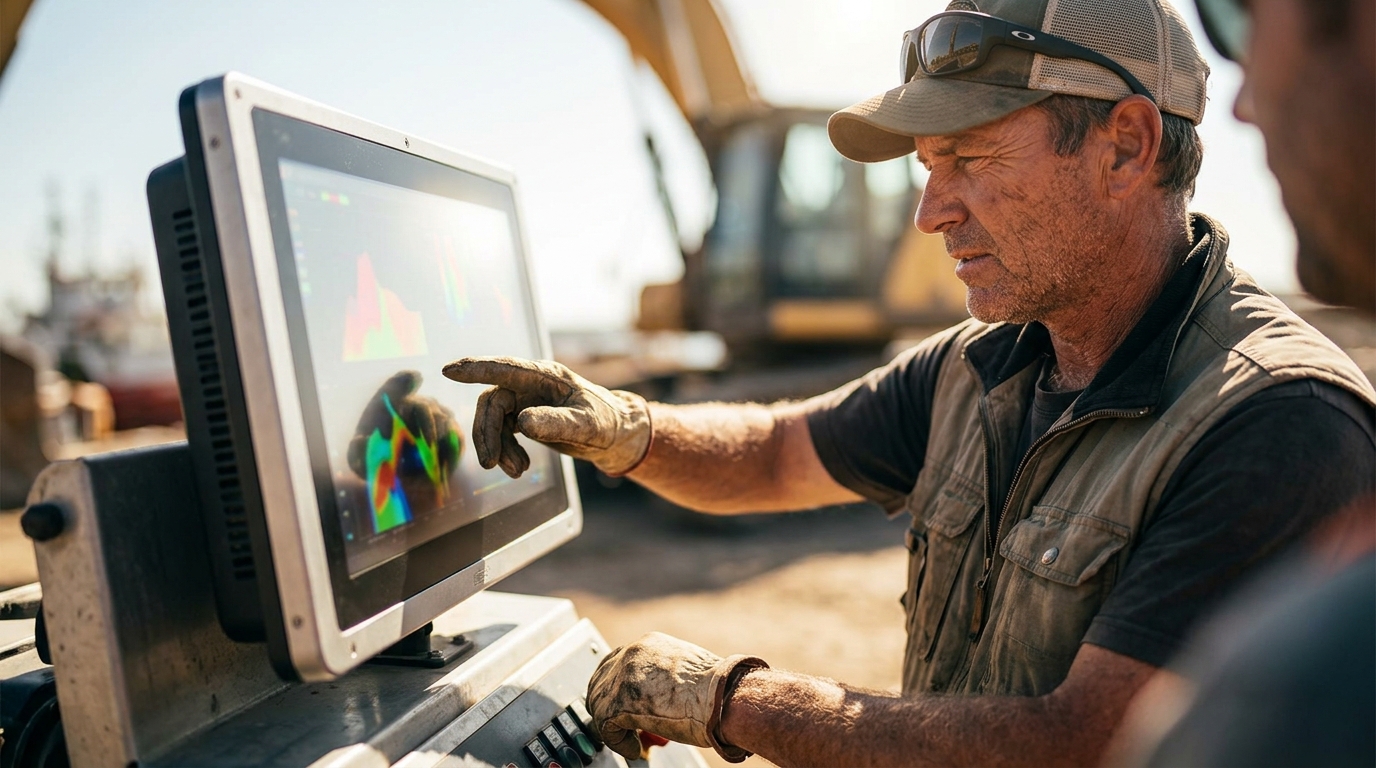
For direct sunlight, you need a display with a minimum brightness of 1,500 to 2,500 nits. Standard indoor monitors typically range from 250 to 350 nits, which becomes nearly invisible under bright outdoor conditions. This guide covers how to select the right brightness, verify manufacturer claims, and understand the cost and durability implications of high-brightness industrial displays.
How to Choose the Right Display
Selecting a display for outdoor use requires looking beyond simple screen size. The primary differentiator is the backlight technology and the optical construction of the panel. A high-quality outdoor display is not just a brighter version of an indoor monitor; it is engineered to maintain contrast and color fidelity when ambient light levels exceed 10,000 lux.
When evaluating options, prioritize displays that offer optical bonding. This process eliminates the air gap between the LCD panel and the protective glass, significantly reducing internal reflections. Without optical bonding, a high-nit display may still suffer from glare that washes out the image. Additionally, consider the enclosure material. Stainless steel or aluminum housings provide better thermal management, which is critical for maintaining consistent brightness in extreme heat.
Brightness vs. Contrast
Brightness alone does not guarantee visibility. Contrast ratio is equally important. A display with 2,000 nits but a low contrast ratio will appear washed out in direct sun. Look for models that combine high brightness with high contrast ratios, often achieved through advanced panel technologies like IPS or VA panels with specific optical films.
Enclosure and Ingress Protection
Outdoor displays must withstand environmental factors. An IP65 or IP66 rating ensures protection against dust and water jets. For permanent outdoor installations, NEMA 4X ratings are often required to handle corrosion from rain and humidity. The enclosure must also dissipate heat effectively to prevent thermal throttling, which can reduce brightness over time.
Questions to Ask Before Committing
Before purchasing, you must ask specific technical questions to ensure the display meets your operational needs. Do not rely on marketing terms like "sunlight readable" without verifying the exact specifications.
- What is the peak brightness in nits? Confirm the number and whether it is measured at the center or average across the screen.
- Is the display optically bonded? This is critical for reducing glare and improving contrast in bright conditions.
- What is the operating temperature range? Outdoor displays must handle temperatures from -40°F to 185°F or similar extremes.
- What is the power consumption? High-brightness displays consume more power. Ensure your power supply can handle the load, especially if using 24VDC systems.
- What is the warranty period? Industrial displays typically offer 3 to 5 years, compared to 1 year for consumer models.
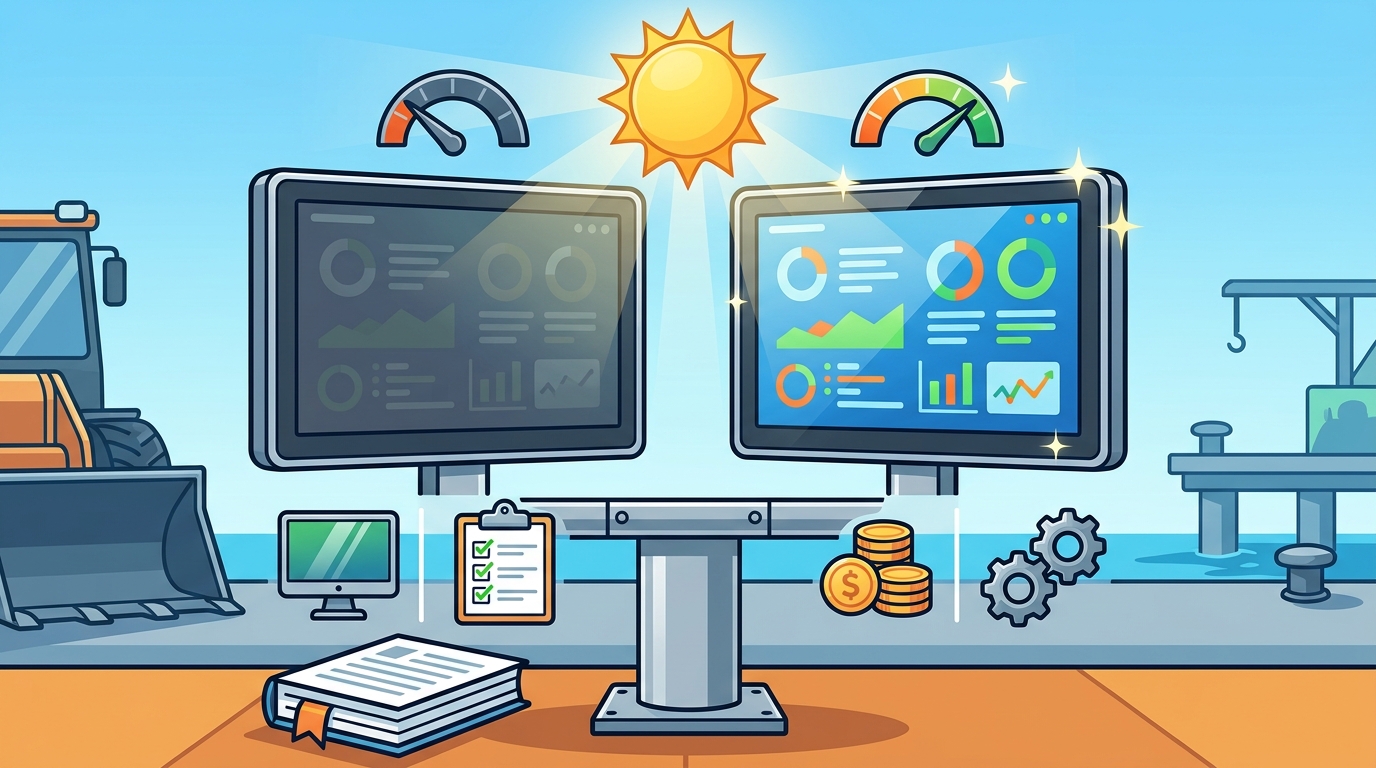
How to Verify Brightness Claims
Manufacturers may use different methods to measure brightness, leading to inconsistencies. To verify a claim, request a datasheet that specifies the measurement conditions. Look for the term "peak white" or "average white" brightness. Peak white is measured at the brightest point on the screen, while average white is the mean across the entire display. For outdoor use, average white is a more reliable metric for overall visibility.
Additionally, check for third-party certifications or compliance with industry standards. While there is no single universal standard for "sunlight readability," compliance with IP ratings and operating temperature ranges provides indirect evidence of robust engineering. If a manufacturer cannot provide a detailed datasheet, treat their brightness claims with skepticism.
The Selection and Deployment Process
The process of deploying a high-brightness display involves several stages. First, assess the specific environmental conditions at the installation site. This includes measuring ambient light levels, temperature extremes, and exposure to water or dust. Next, select a display that meets or exceeds the required brightness and protection ratings.
Once selected, the display must be integrated into the system. This includes configuring the video inputs, power supply, and mounting hardware. For custom applications, the display may need to be modified to fit specific enclosures or interfaces. Finally, the display is installed and tested under real-world conditions to ensure visibility and reliability.
Customization and Integration
Many industrial applications require custom modifications. This can include adding specific video inputs, changing the power supply to 24VDC, or integrating touch screens. Custom displays are often built to order, which can extend lead times but ensures a perfect fit for the application.
Cost Drivers for High-Brightness Displays
The cost of a high-brightness display is driven by several factors. The primary driver is the backlight technology. High-brightness LED backlights are more expensive than standard ones. Additionally, optical bonding and rugged enclosures add to the cost. A 21.5-inch standard indoor monitor might cost a few hundred dollars, while a 21.5-inch sunlight-readable outdoor monitor can cost several thousand.
Other cost factors include the size of the display, the type of touch screen (if applicable), and the level of customization. Custom displays with private labeling or specific interface configurations may cost more than off-the-shelf models. However, the long-term reliability and reduced maintenance costs of industrial displays often justify the higher upfront investment.
Common Mistakes to Avoid
One common mistake is underestimating the required brightness. Many users assume that a 1,000-nit display is sufficient for all outdoor conditions. However, in direct sunlight, ambient light levels can exceed 10,000 lux, requiring a display with 2,000 to 2,500 nits for optimal visibility. Another mistake is ignoring thermal management. High-brightness displays generate significant heat. If the enclosure does not dissipate this heat effectively, the display may throttle its brightness or fail prematurely.
Additionally, users often overlook the importance of contrast ratio. A high-brightness display with a low contrast ratio will appear washed out in bright conditions. Always consider both brightness and contrast when selecting an outdoor display.
High-Brightness vs. Standard Displays
The following table compares key specifications of standard indoor displays and high-brightness outdoor displays.
| Feature | Standard Indoor Display | High-Brightness Outdoor Display |
|---|---|---|
| Brightness | 250-350 nits | 1,000-2,500+ nits |
| Optical Bonding | Rare | Standard |
| Enclosure | Plastic | Stainless Steel/Aluminum |
| Ingress Protection | None | IP65/IP66/NEMA 4X |
| Operating Temperature | 32°F-104°F | -40°F-185°F |
| Warranty | 1 Year | 3-5 Years |
Application-Specific Brightness Requirements
Different applications have different brightness requirements. For example, a display in a shaded area may only need 1,000 nits, while a display in direct sunlight may need 2,500 nits. Medical carts used in operating rooms require high contrast and reliability, but not necessarily extreme brightness. In contrast, outdoor digital signage in a stadium requires the highest possible brightness to be visible from a distance in bright conditions.
For mobile applications, such as drones or military vehicles, weight and power consumption are critical. High-brightness displays for these applications must be lightweight and energy-efficient. Tru-Vu offers a range of displays tailored to these specific needs, ensuring that the right brightness level is matched to the application.
Standards and Compliance Protections
Industrial displays must comply with various standards to ensure safety and reliability. For medical applications, displays must be certified to UL 60601-1 and IEC 60601-1 standards. These certifications ensure that the display is safe for use in healthcare environments. For general industrial use, compliance with IP ratings and operating temperature ranges is essential.
Additionally, displays used in government or military applications may need to be TAA (Trade Agreements Act) compliant. This ensures that the products are manufactured in the United States or in countries with free trade agreements with the US. Tru-Vu monitors are TAA compliant, making them suitable for government procurement.
Logistics and Support Considerations
When selecting a display, consider the logistics of shipping and support. Industrial displays are often heavy and fragile, requiring careful packaging and shipping. Choose a manufacturer that offers reliable shipping and support. Tru-Vu is based in the USA, which can simplify logistics for domestic customers. They offer technical support and repair services, ensuring that any issues are resolved quickly.
Additionally, consider the availability of spare parts. Industrial displays are designed for long-term use, but components can fail over time. Choose a manufacturer that offers long-term availability of spare parts and replacement units. Tru-Vu guarantees long-term availability of their custom and standard displays, ensuring that you can maintain your system for years.
Timing Your Display Deployment
Timing is critical when deploying high-brightness displays. Custom displays may have lead times of 8 to 12 weeks, depending on the complexity of the customization. Standard displays are often available in stock, with shipping within 1-2 business days. Plan your deployment accordingly, allowing time for customization, shipping, and installation.
Additionally, consider the season. Outdoor displays are most stressed during the summer months, when temperatures are highest and sunlight is most intense. Deploying a display in the spring allows you to test it under real-world conditions before the peak summer heat. This can help identify any issues early and ensure that the display is ready for the most demanding conditions.
Long-Term Performance and Maintenance
High-brightness displays are designed for long-term use, but they require regular maintenance to ensure optimal performance. Clean the display regularly to remove dust and debris, which can reduce visibility. Check the enclosure for any signs of corrosion or damage, and address any issues promptly. Monitor the display's brightness over time, as LED backlights can degrade slightly over their lifespan.
Industrial displays typically have a lifespan of 7 to 10 years, compared to 3 to 5 years for consumer models. By choosing a high-quality industrial display and maintaining it properly, you can ensure that it performs reliably for the duration of your project. Tru-Vu offers a 3-year warranty on most of their displays, providing peace of mind and protection against defects.
Key Takeaways
- Direct sunlight requires a display with a minimum of 1,500 to 2,500 nits for optimal visibility.
- Optical bonding is critical for reducing glare and improving contrast in bright conditions.
- Verify brightness claims by requesting a detailed datasheet that specifies measurement conditions.
- High-brightness displays are more expensive but offer long-term reliability and reduced maintenance costs.
- Common mistakes include underestimating brightness requirements and ignoring thermal management.
- Application-specific requirements vary, with outdoor signage needing the highest brightness and medical carts prioritizing contrast and reliability.
- Compliance with standards like UL 60601-1 and TAA is essential for medical and government applications.
- Plan for lead times and maintenance to ensure long-term performance and reliability.
Frequently Asked Questions
What is the minimum nit rating for a display in direct sunlight?
The minimum nit rating for a display in direct sunlight is typically 1,500 to 2,500 nits. Standard indoor monitors range from 250 to 350 nits, which is insufficient for outdoor use.
Does optical bonding improve visibility in sunlight?
Yes, optical bonding eliminates the air gap between the LCD panel and the protective glass, reducing internal reflections and improving contrast. This makes the display more visible in bright conditions.
How long do industrial displays last?
Industrial displays typically have a lifespan of 7 to 10 years, compared to 3 to 5 years for consumer models. They are designed for 24/7 operation and are backed by longer warranties.
Are Tru-Vu monitors TAA compliant?
Yes, Tru-Vu monitors are TAA compliant, making them suitable for government procurement. They are designed and engineered in the USA, with manufacturing in free trade countries.
What is the difference between peak and average brightness?
Peak brightness is measured at the brightest point on the screen, while average brightness is the mean across the entire display. For outdoor use, average brightness is a more reliable metric for overall visibility.
How do I clean a high-brightness outdoor display?
Use a soft, lint-free cloth moistened with a 50:50 solution of distilled water and isopropyl alcohol. Never spray the solution directly on the screen, and avoid using ammonia-based cleaners.