
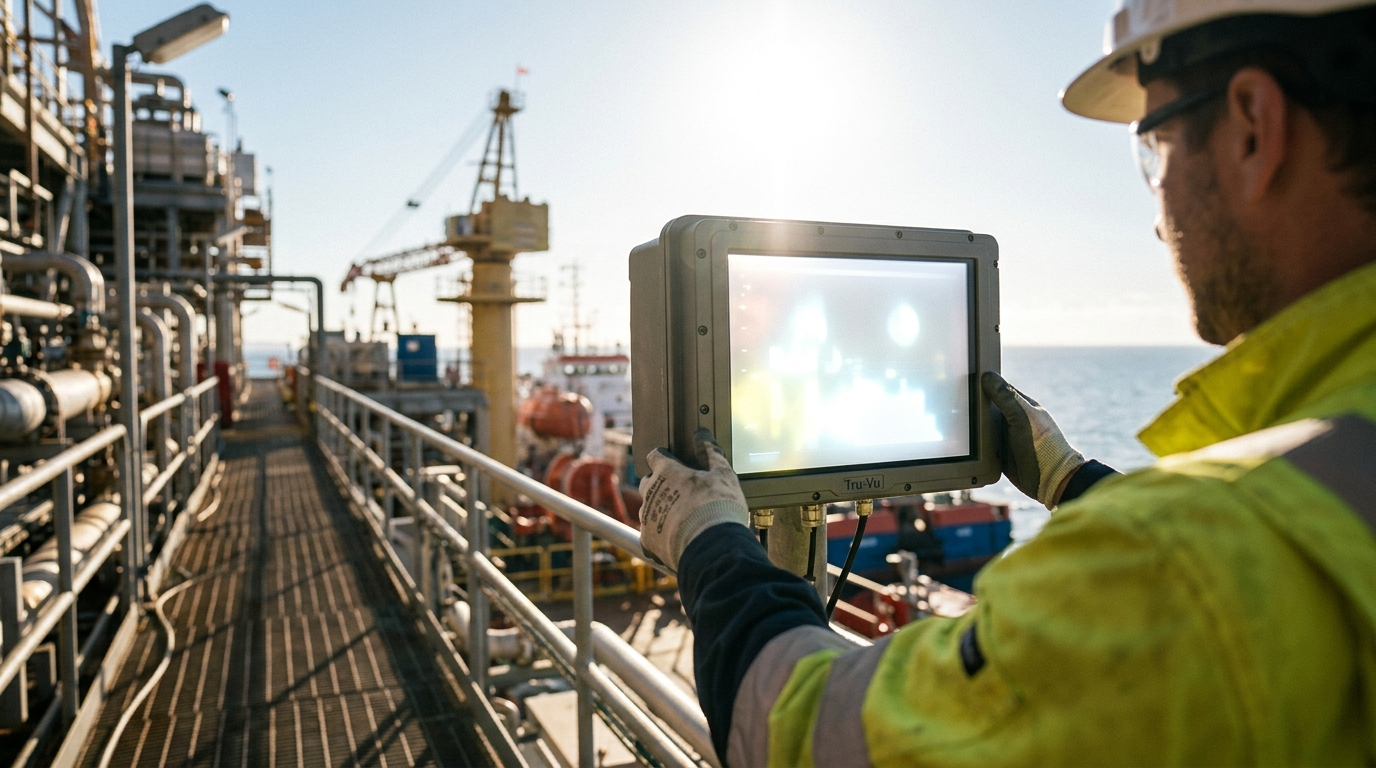
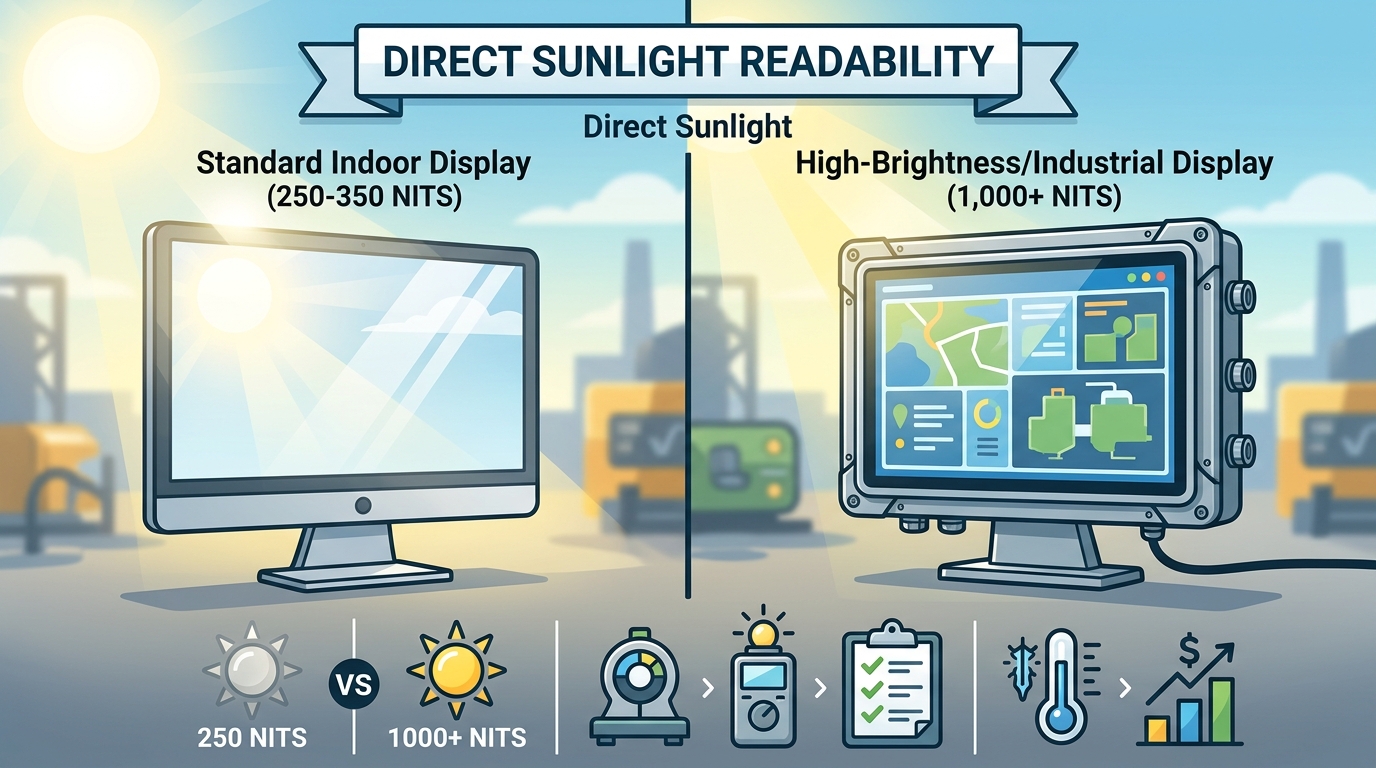
For direct sunlight, you need a display with a minimum brightness of 1,000 nits. Standard indoor monitors typically range from 250 to 350 nits, which becomes nearly invisible under bright outdoor conditions. This guide covers how to select the right brightness, verify manufacturer claims, and understand the cost and durability implications of high-brightness industrial displays.
How to Choose the Right Brightness
Selecting a display for outdoor use requires more than just picking the highest number on a spec sheet. You must evaluate the environment, the viewing distance, and the ambient light conditions. A display that works well in a shaded parking lot may fail in a sunlit construction site.
Understanding Nits and Luminance
Nits is the unit of measurement for luminance, equivalent to candela per square meter. It measures the amount of light emitted from a surface per unit area. For industrial applications, brightness is the primary metric for visibility in high-ambient light environments.
Standard indoor monitors typically operate between 250 and 350 nits. These are sufficient for office environments but fail outdoors. For indirect sunlight or shaded outdoor areas, a display in the 400 to 800 nits range is often adequate. However, for direct sunlight, you need a minimum of 1,000 nits. Many high-end outdoor displays range from 1,000 to 2,500 nits to ensure readability even at midday.
Contrast Ratio and Optical Bonding
Brightness alone does not guarantee visibility. Contrast ratio is the difference between the brightest white and the darkest black a display can produce. In direct sunlight, low contrast makes text and images wash out. Optical bonding is a process where a protective glass is permanently bonded to the LCD panel using a clear adhesive. This eliminates the air gap, reducing internal reflections by up to 90%. Displays with optical bonding maintain higher contrast in bright environments, making them a critical feature for outdoor readability.
Specific Questions to Ask Before Committing
Before purchasing an industrial display, you must ask specific technical questions to ensure the unit meets your operational needs. Vague answers from suppliers often lead to costly replacements.
Environmental and Operational Questions
Ask the supplier about the operating temperature range. Industrial displays often support wide temperature ranges, from -40 degrees Fahrenheit to 185 degrees Fahrenheit. Consumer-grade monitors typically fail outside of climate-controlled environments. You must also ask about the ingress protection (IP) rating. An IP65 rating protects against dust and water jets, which is essential for wash-down environments or outdoor installations.
Power and Connectivity Questions
Determine the power requirements. Many industrial facilities and mobile systems use 24VDC power to improve operator safety and reduce costs compared to 110VAC systems. Ask if the display supports 12VDC, 24VDC, or 9-36VDC operation. Additionally, verify the available video inputs. Industrial displays often include HDMI, DVI, HD-SDI, DisplayPort, and VGA. Ensure the display matches the output of your existing hardware.
How to Verify Manufacturer Claims
Not all brightness claims are created equal. Some manufacturers measure peak brightness in a dark room, while others measure sustained brightness in ambient light. You must verify that the nits rating is measured under conditions relevant to your application.
Checking for Third-Party Certifications
Look for displays that are TAA (Trade Agreements Act) compliant. This ensures the product is manufactured in a free trade country, which is often a requirement for government and military contracts. For medical applications, verify UL 60601-1 and IEC 60601-1 certifications. These standards ensure the display is safe for use in healthcare environments. Reputable manufacturers provide documentation for these certifications upon request.
Requesting Sample Units
The most reliable way to verify performance is to request a sample unit. Test the display in your actual environment. Check visibility at different times of day. Verify that the touch screen, if applicable, works with gloves or in wet conditions. This hands-on testing prevents the common mistake of buying a display that looks good in a brochure but fails in the field.
The Selection and Deployment Process
Procuring an industrial display involves a structured process. Understanding this workflow helps you manage expectations and timelines.
Consultation and Specification
The process begins with a technical consultation. You provide details about your environment, viewing distance, and power constraints. The supplier then recommends specific models or custom configurations. This step is crucial for identifying the correct brightness and enclosure type.
Production and Lead Times
Standard off-the-shelf models are often available in stock and can ship within 1 to 2 business days. However, custom or built-to-order units typically have a production lead time of 8 to 12 weeks. If the unit is manufactured overseas, add 5 to 7 weeks for sea freight or 5 to 10 days for air freight to reach the US warehouse. Planning for these lead times is essential to avoid project delays.
Cost Drivers for High-Brightness Displays
High-brightness displays cost more than standard indoor monitors due to specialized components and ruggedized enclosures. Understanding the cost drivers helps you budget accurately.
Panel Technology and Brightness
The LCD panel is the most expensive component. High-brightness panels (1,000+ nits) use more powerful LED backlights and specialized glass. These panels cost significantly more than standard 250-nit panels. The cost increases further if you require 4K resolution (3840 x 2160) in a high-brightness format.
Enclosure and Protection
Waterproof and sunlight-readable displays require robust enclosures. Materials like stainless steel, aluminum, and powder-coated steel add to the cost. IP65 or NEMA 4X rated enclosures include gaskets and seals that prevent water and dust intrusion. These features are necessary for outdoor durability but increase the unit price.
Common Mistakes and How to Avoid Them
Many organizations make critical errors when selecting outdoor displays. Avoiding these mistakes saves money and ensures long-term reliability.
Underestimating Brightness Needs
A common mistake is buying a 400-nit display for a direct sunlight application. This display will be unreadable at midday. Always err on the side of higher brightness for outdoor use. If you are unsure, choose a display with a higher nits rating. You can always dim a high-brightness display, but you cannot brighten a low-brightness one.
Ignoring Vibration and Shock
Industrial environments involve vibration and shock. Consumer-grade monitors are not designed to withstand these forces. They may suffer from pixel jitter or complete failure. Choose displays with high shock and vibration resistance. Verify that the mounting solution is secure and appropriate for the environment.
High-Brightness vs. Standard Displays
Understanding the differences between industrial and consumer displays helps you make an informed decision.
| Feature | Industrial High-Brightness Display | Consumer-Grade Monitor |
|---|---|---|
| Brightness | 1,000 to 2,500 nits | 150 to 250 nits |
| Operating Temperature | -40 to 185 degrees F | Climate-controlled only |
| Shock/Vibration | High resistance | No resistance |
| Enclosure | Stainless steel, IP65/NEMA 4X | Plastic, non-waterproof |
| Life Cycle | 5 to 7 years | 6 to 12 months |
| Warranty | 3 years typical | 1 year typical |
Industrial displays are built for 24/7/365 operation. They use high-quality components that ensure long-term dependability. Consumer monitors are designed for 6 to 8 hours of daily use in clean, climate-controlled environments. They are not suitable for industrial or outdoor applications.
Application-Specific Brightness Requirements
Different applications have different brightness and durability requirements. Tailoring your selection to the specific use case ensures optimal performance.
Outdoor Digital Signage
Outdoor digital signage requires high brightness and waterproof enclosures. Displays in this category often range from 1,500 to 2,500 nits. They must withstand rain, snow, and extreme temperatures. Look for displays with IP66 ratings for the highest level of protection.
Industrial Manufacturing and Wash-Down Areas
Manufacturing plants with wash-down environments require displays that can withstand high-pressure water jets. IP65-rated displays are suitable for these applications. They must also be bright enough to be visible under bright factory lighting. A 400 to 800 nit display with optical bonding is often sufficient for indoor industrial settings.
Marine and Military Applications
Marine and military applications require displays that can withstand saltwater corrosion and extreme vibration. Stainless steel enclosures are preferred for marine use. Military displays often require 24VDC power and wide temperature ranges. Verify that the display meets specific military standards if applicable.
Standards, Certifications, and Protections
Adhering to industry standards ensures safety and compliance. These certifications provide protections for both the buyer and the end-user.
Trade Agreements Act (TAA) Compliance
TAA compliance is required for many government and military contracts. It ensures that the product is manufactured in a free trade country. This protects against trade disputes and ensures a stable supply chain. Reputable manufacturers clearly state their TAA compliance on their product pages.
Medical Certifications
For healthcare applications, displays must be certified to UL 60601-1 and IEC 60601-1 standards. These certifications ensure that the display is safe for use in medical environments. They cover electrical safety, electromagnetic compatibility, and mechanical safety. Always verify these certifications before deploying a display in a hospital or clinic.
Logistics and Support in the USA
Working with a US-based supplier offers significant advantages in terms of support and logistics. Local support ensures faster response times and easier communication.
US-Based Engineering and Support
US-based companies handle product design, engineering, and technical support domestically. This eliminates issues like language barriers, currency fluctuations, and shipping delays associated with offshore suppliers. It also ensures that you have access to technical experts who understand your specific application.
Inventory and Shipping
US-based warehouses allow for faster shipping times. In-stock items can ship within 1 to 2 business days. This is crucial for urgent projects. Local inventory also reduces the risk of supply chain disruptions. You can rely on a consistent supply of replacement parts and units.
Timing Your Display Procurement
Timing is a critical factor in display procurement. Planning ahead ensures that you receive the right product when you need it.
Lead Time Planning
Custom displays have longer lead times. If you need a specific configuration, start the process early. Allow for 8 to 12 weeks for production and additional time for shipping. Rush orders may be available but often come with a premium. Planning your procurement timeline helps you avoid project delays.
Seasonal Considerations
Outdoor displays are subject to seasonal weather changes. Ensure that your display is installed and tested before the peak season. This allows you to identify any issues and make adjustments. It also ensures that your display is ready for the highest visibility requirements.
Long-Term Performance and Reliability
Industrial displays are designed for long-term use. Understanding their lifecycle helps you plan for maintenance and replacement.
Lifespan and Durability
Industrial displays typically have a lifespan of 7 to 10 years. This is significantly longer than consumer monitors, which last 3 to 5 years. The long availability of industrial models (5 to 7 years) is crucial for OEMs who need consistent parts for their products. This reduces the need for frequent redesigns and replacements.
Maintenance and Cleaning
Regular maintenance ensures optimal performance. Clean the display with a soft, lint-free cloth and a 50:50 solution of distilled water and isopropyl alcohol. Avoid ammonia-based cleaners, which can damage the anti-reflective coatings. For displays with protective glass, use a high-quality screen cleaner that is free from ammonia and alcohol.
Key Takeaways
- Direct sunlight requires a minimum of 1,000 nits for readability.
- Optical bonding improves contrast and visibility in bright environments.
- Verify TAA and medical certifications for compliance and safety.
- Custom displays have lead times of 8 to 12 weeks.
- High-brightness displays cost more due to specialized panels and enclosures.
- Industrial displays last 7 to 10 years, compared to 3 to 5 years for consumer models.
- US-based suppliers offer faster support and shipping.
- Always test sample units in your actual environment before committing.
Frequently Asked Questions
What is the minimum brightness for a display in direct sunlight?
The minimum brightness for a display in direct sunlight is 1,000 nits. Displays in this range ensure readability even at midday. For shaded areas, 400 to 800 nits may be sufficient.
What is optical bonding and why is it important?
Optical bonding is the process of bonding a protective glass to the LCD panel using a clear adhesive. It eliminates the air gap, reducing internal reflections by up to 90%. This improves contrast and visibility in bright environments.
How long do industrial displays last?
Industrial displays typically last 7 to 10 years. This is longer than consumer monitors, which last 3 to 5 years. The long availability of industrial models is crucial for OEMs.
What is a TAA compliant display?
A TAA compliant display is manufactured in a free trade country. This is required for many government and military contracts. It ensures a stable supply chain and compliance with trade agreements.
Can I customize an industrial display?
Yes, many manufacturers offer custom display solutions. You can customize the brightness, enclosure, power requirements, and branding. Custom displays often have the same cost as off-the-shelf solutions.
What is the lead time for custom displays?
The lead time for custom displays is typically 8 to 12 weeks. This includes production and shipping. In-stock items can ship within 1 to 2 business days.
How do I clean an industrial display?
Use a soft, lint-free cloth moistened with a 50:50 solution of distilled water and isopropyl alcohol. Avoid ammonia-based cleaners. For displays with protective glass, use a high-quality screen cleaner.
What is the difference between 12VDC and 24VDC displays?
12VDC and 24VDC displays use different power supplies. 24VDC is often preferred in industrial and mobile systems for improved operator safety and cost savings. Many industrial displays can be built to operate on 24VDC.